Bare Metal Servers vs. Dedicated Host
Let’s imagine you’re the owner of a fastest-growing e-commerce business. Your online store is getting more and more traffic every day, and you need to scale up your server infrastructure to handle the increased load. You’ve decided to move your operations to the cloud, but you’re unsure whether to go with bare metal servers or dedicated hosts. How does it impact your growth of business?
What are Bare Metal Servers & Dedicated Hosts, and what is the main difference?#

Bare Metal vs. Dedicated Host
Both bare metal servers and dedicated hosts are physical machines located in a cloud provider’s data center. The main difference lies in who manages the hypervisor layer – the software that allows you to run multiple virtual machines (VMs) on a single physical server.
What is a Hypervisor and What Does It Do?#
A hypervisor is a software layer that creates and runs virtual machines (VMs) on a physical host machine. It allows multiple operating systems to share the same hardware resources, such as CPU, memory, and storage. Each VM runs its own operating system and applications, isolated from the others, providing a secure and efficient way to run multiple workloads on a single physical server.
Types of Hypervisors Used in Cloud Data Centers#
- Type 1 (Bare-Metal)
- Type 2 (Hosted)

Type 1 Hypervisor vs Type 2 Hypervisor
Type 1 (Bare-Metal) Hypervisors run directly on the host’s hardware, providing better performance and efficiency. Examples include VMware ESXi, Microsoft Hyper-V, and Citrix Hypervisor.
Type 2 (Hosted) Hypervisors run on top of a host operating system, like Windows or Linux. Examples include VMware Workstation, Oracle VirtualBox, and Parallels Desktop .
Bare Metal Servers: Full Control but More Complexity#
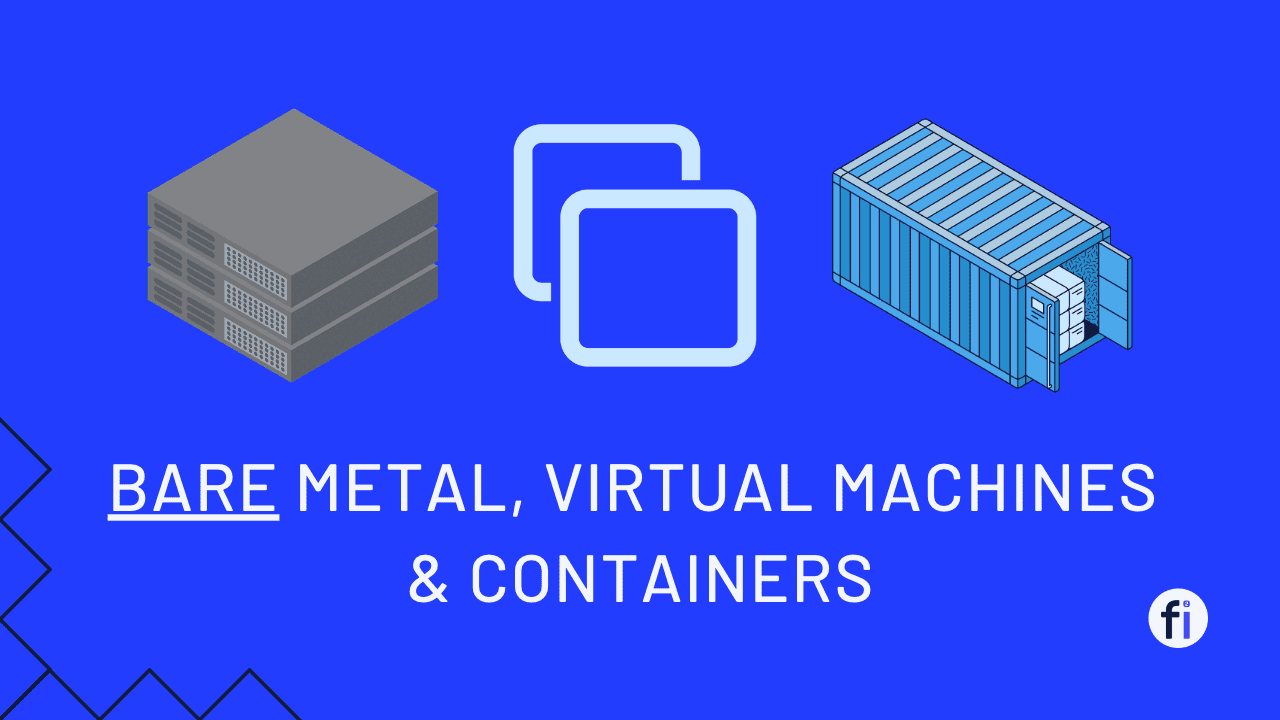
With a bare metal server, you’re essentially renting the entire physical machine from the cloud provider. However, you’re also responsible for installing and managing the hypervisor software yourself. This gives you a lot of control and flexibility. You can tweak the hypervisor settings to optimize performance, overcommit resources (like CPU and RAM) to squeeze more virtual machines onto the physical server, and have direct access to the hypervisor for monitoring, logging, and backing up your VMs.
| Feature | Bare Metal Server | Dedicated Host |
|---|---|---|
| Hardware | Physical server rented from cloud provider | Physical server rented from cloud provider |
| Hypervisor Management | Customer installs and manages the hypervisor software | Cloud provider installs and manages the hypervisor software |
| Hypervisor Control | Full control over hypervisor configuration settings | Limited or no control over hypervisor settings |
| Resource Allocation | Can overcommit CPU, RAM across VMs for efficiency | Limited ability to overcommit resources across VMs |
| Monitoring | Direct access to hypervisor for monitoring and logging | Rely on cloud provider’s monitoring tools |
| Backup/Recovery | Can backup VMs directly through hypervisor | Must use cloud provider’s backup/recovery services |
| Scalability | Scale VMs up/down based on available server resources | Request cloud provider to scale VMs up/down |
| Security | Responsible for securing the hypervisor layer | Cloud provider secures the hypervisor layer |
| Management Complexity | High, requires hypervisor expertise | Low, cloud provider handles hypervisor management |
| Pricing Model | Pay for entire physical server capacity | Pay for VM instances based on usage |
| Use Cases | High performance, legacy apps, regulatory compliance | General-purpose applications, simplified operations |
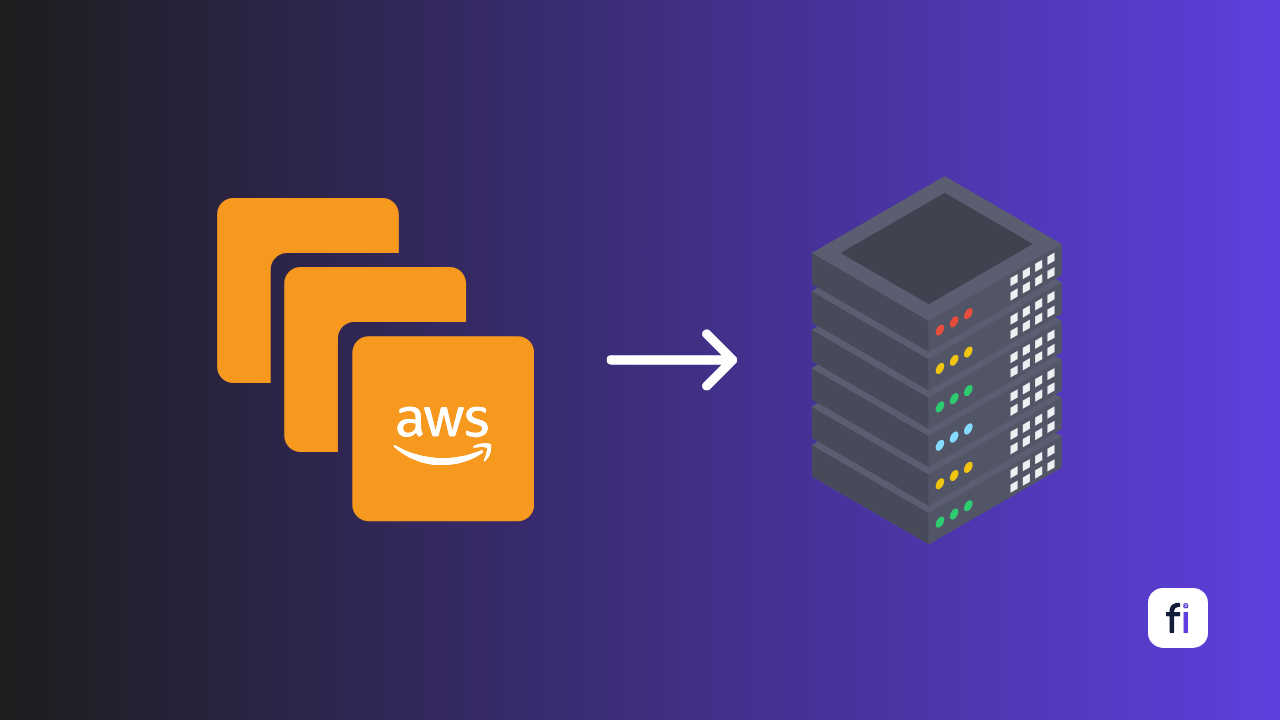
| Examples | IBM Cloud Bare Metal, AWS EC2 Bare Metal | IBM Cloud Dedicated Hosts, AWS Dedicated Hosts |
Dedicated Hosts: Simplicity but Less Control#
On the other hand, a dedicated host is like renting an apartment in a managed building. The cloud provider takes care of the hypervisor layer for you. All you have to do is tell them how many virtual machines you want, and they’ll set them up on the dedicated host for you. You don’t have to worry about managing the hypervisor or any of the underlying infrastructure.
The trade-off, of course, is that you have less control over the specifics. You can’t overcommit resources or tinker with the hypervisor settings. But for many businesses, the simplicity and convenience of a dedicated host are worth it.
Open-Source Hypervisor Alternatives#
While cloud providers typically use proprietary hypervisors like VMware ESXi or Hyper-V, there are also free and open-source alternatives available, such as:
- Proxmox Virtual Environment (Proxmox VE): A complete open-source server virtualization management solution that includes a KVM hypervisor and a web-based management interface.
- Kernel-based Virtual Machine (KVM): A type 1 hypervisor that’s part of the Linux kernel, providing virtualization capabilities without requiring proprietary software.
- Xen Project Hypervisor: An open-source type 1 hypervisor that supports a wide range of guest operating systems and virtualization use cases.
Which Option is Right for Your E-commerce Business?#
If you have a team of skilled system administrators who love getting their hands dirty with server configurations, and you need the flexibility to fine-tune your infrastructure for optimal performance, a bare metal server might be the way to go.
However, if you’d rather focus on your core business and leave the nitty-gritty server management to the experts, a dedicated host could be a better fit. It’s a more hands-off approach, allowing you to concentrate on building and scaling your e-commerce platform without worrying about the underlying infrastructure.